Help centerAI assistant and agents
Relaytic Assistant and your agents
Ask about your company's work in plain words, and get an answer with links to where it came from.
Relaytic Assistant answers questions from the conversations and files you can read, and shows its sources so you can check them.
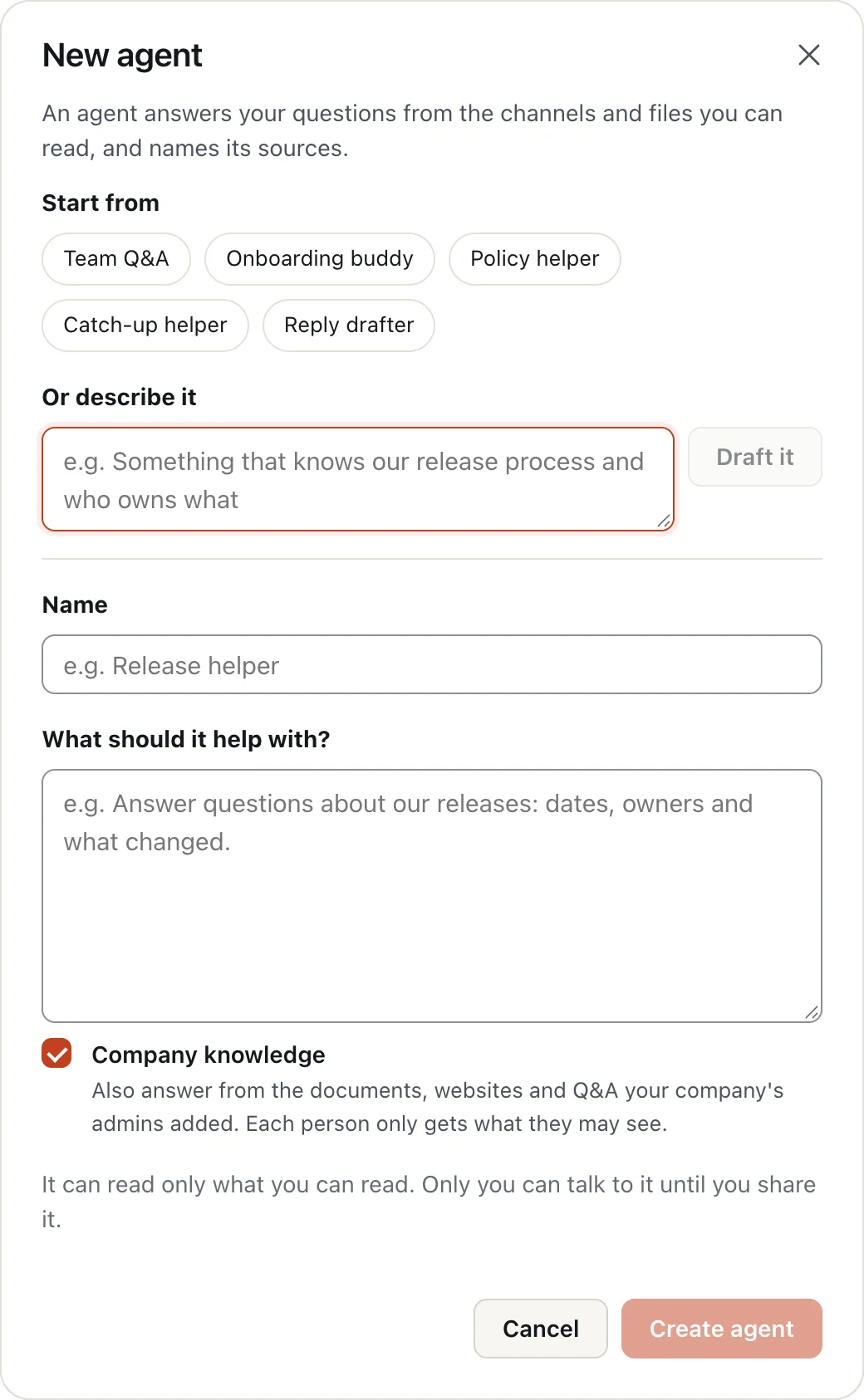
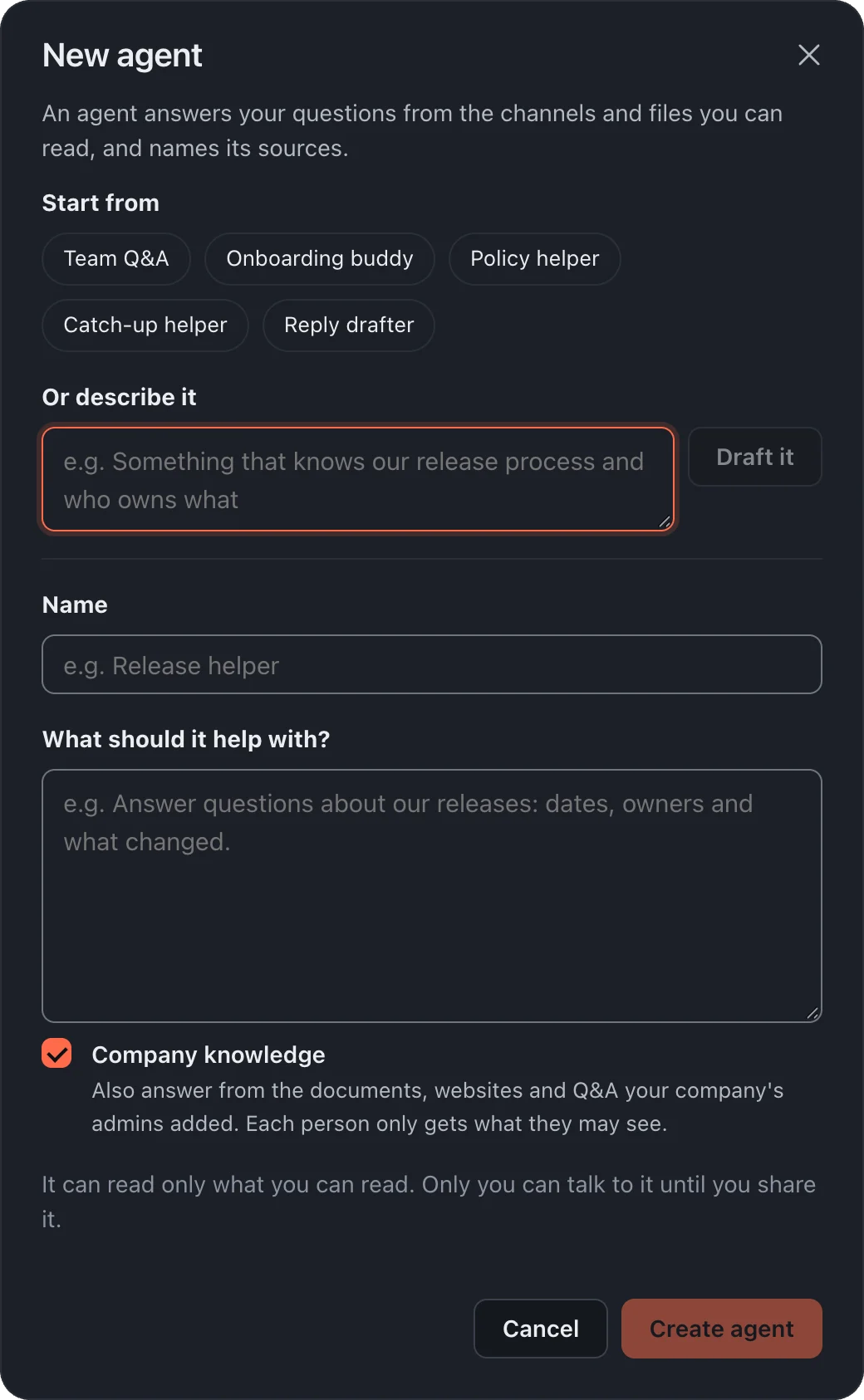
- In the sidebar, under Agents, choose New agent.
- Start from a ready-made one, like Team Q&A or Policy helper, or describe what you want and choose Draft it.
- Check its name and What should it help with, then create it and message it like a colleague.
More in AI assistant and agents
Still stuck?
Write to [email protected] and a person will help.