Help centerGet started
Your profile and display name
Set the short name colleagues see in chat, and keep your full name on your profile.
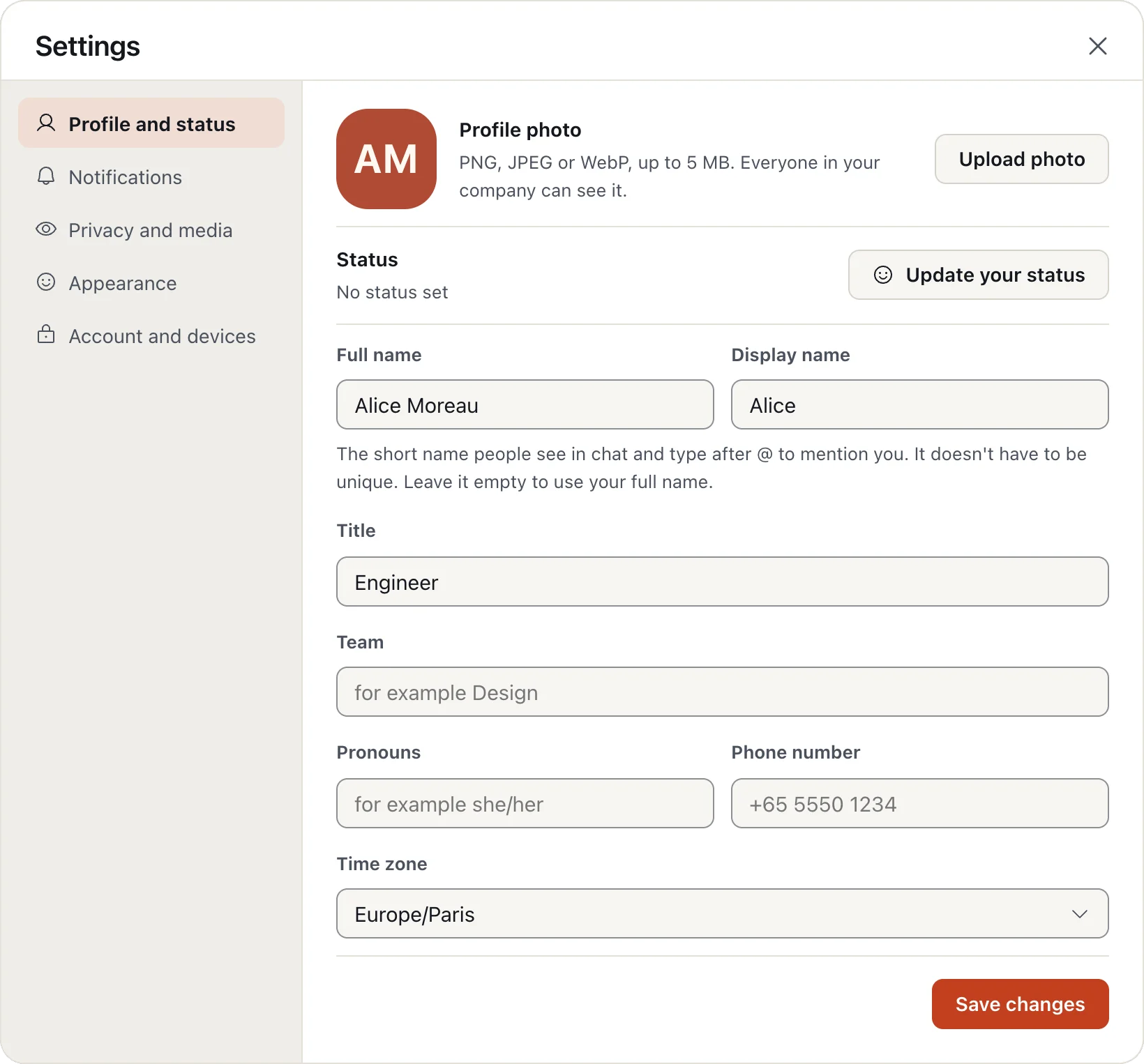
Your display name is the short name people see next to your messages, in mentions and in search. Your full name stays on your profile and in the member list.
- Click your picture in the top right and choose Edit profile.
- Change your display name, title, team or photo.
- Choose Save changes.
Leave the display name empty to use your full name.
More in Get started
- Sign in with your email code Relaytic has no passwords. A six-digit code sent to your email signs you in, on any device.
- Join your company Join with an invite from an admin, or with your work email if your company is open to its domain.
- Get the apps Use Relaytic in your browser, or install the desktop app for your Mac.
Still stuck?
Write to [email protected] and a person will help.