Help centerNotifications
Choose what notifies you
Pick what you hear about, everywhere or per conversation, and add keywords that always reach you.
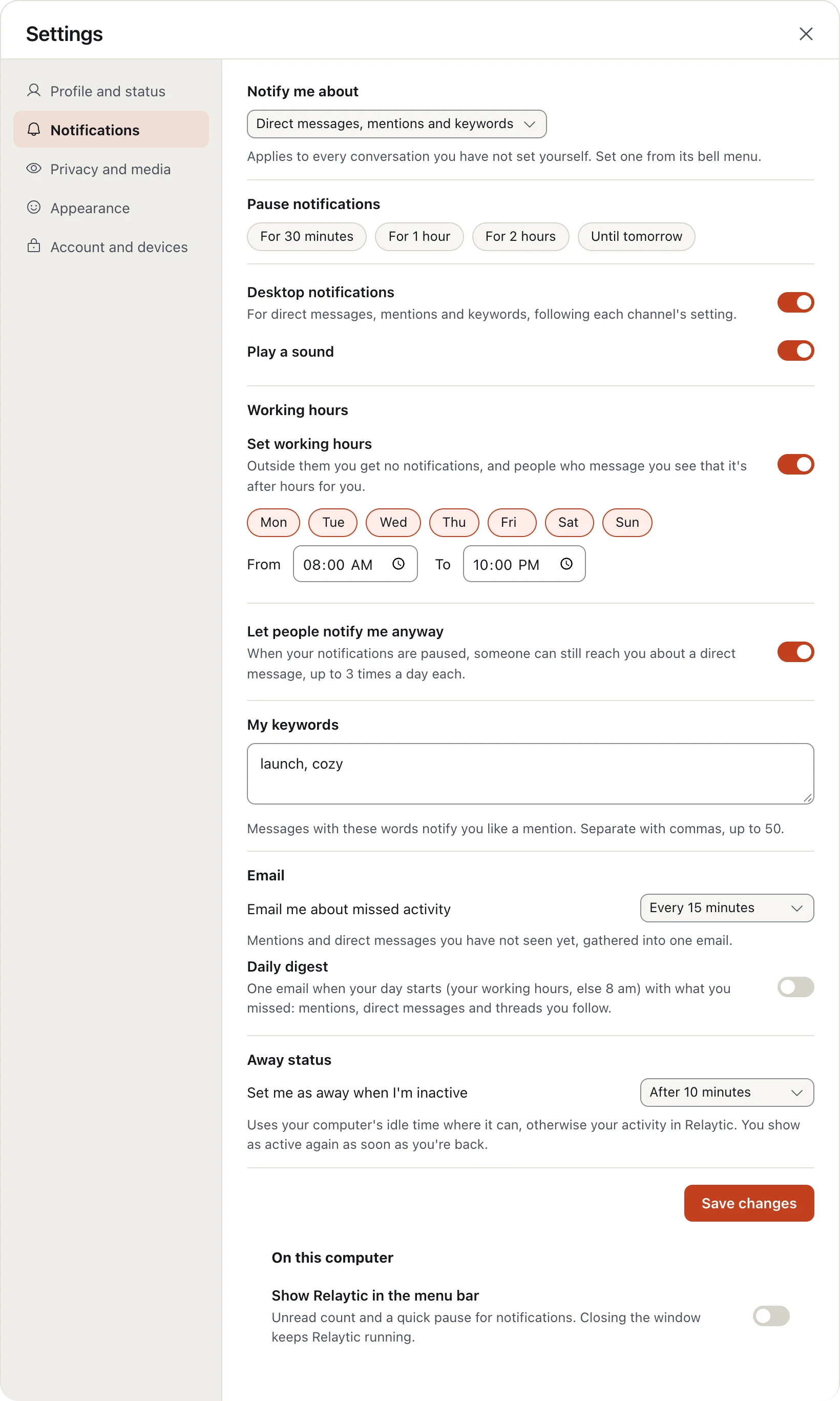
- Click your picture, choose Settings, then Notifications.
- Under Notify me about, choose what reaches you by default.
- Add My keywords: words that always notify you, like a project name.
For one conversation, use the bell in its header: All new messages, Mentions only, Nothing, or mute it.
More in Notifications
Still stuck?
Write to [email protected] and a person will help.