Help centerFor admins
Invite people to your company
Invite by email as a member, an admin or a guest, and keep track of open invites.
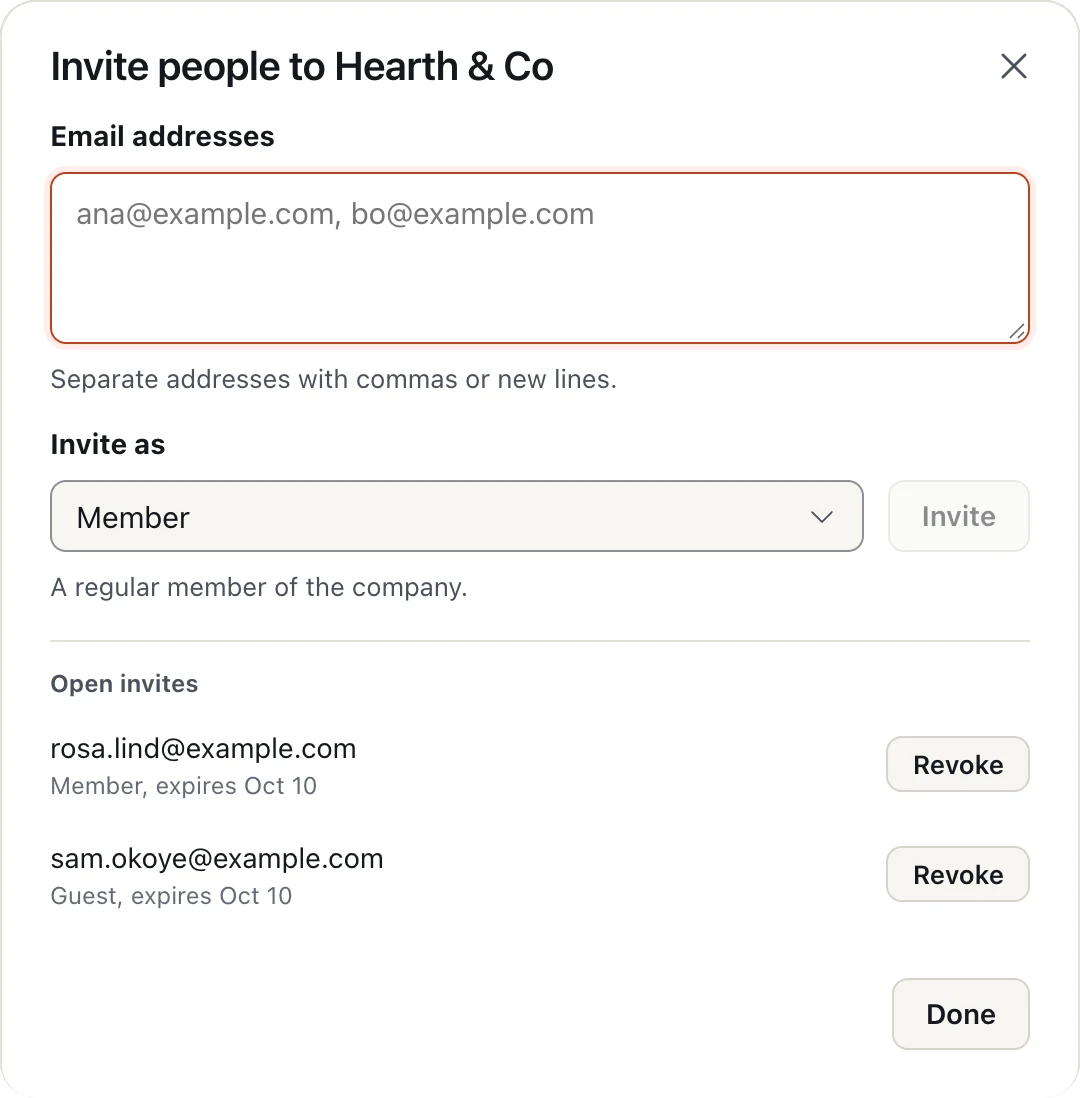
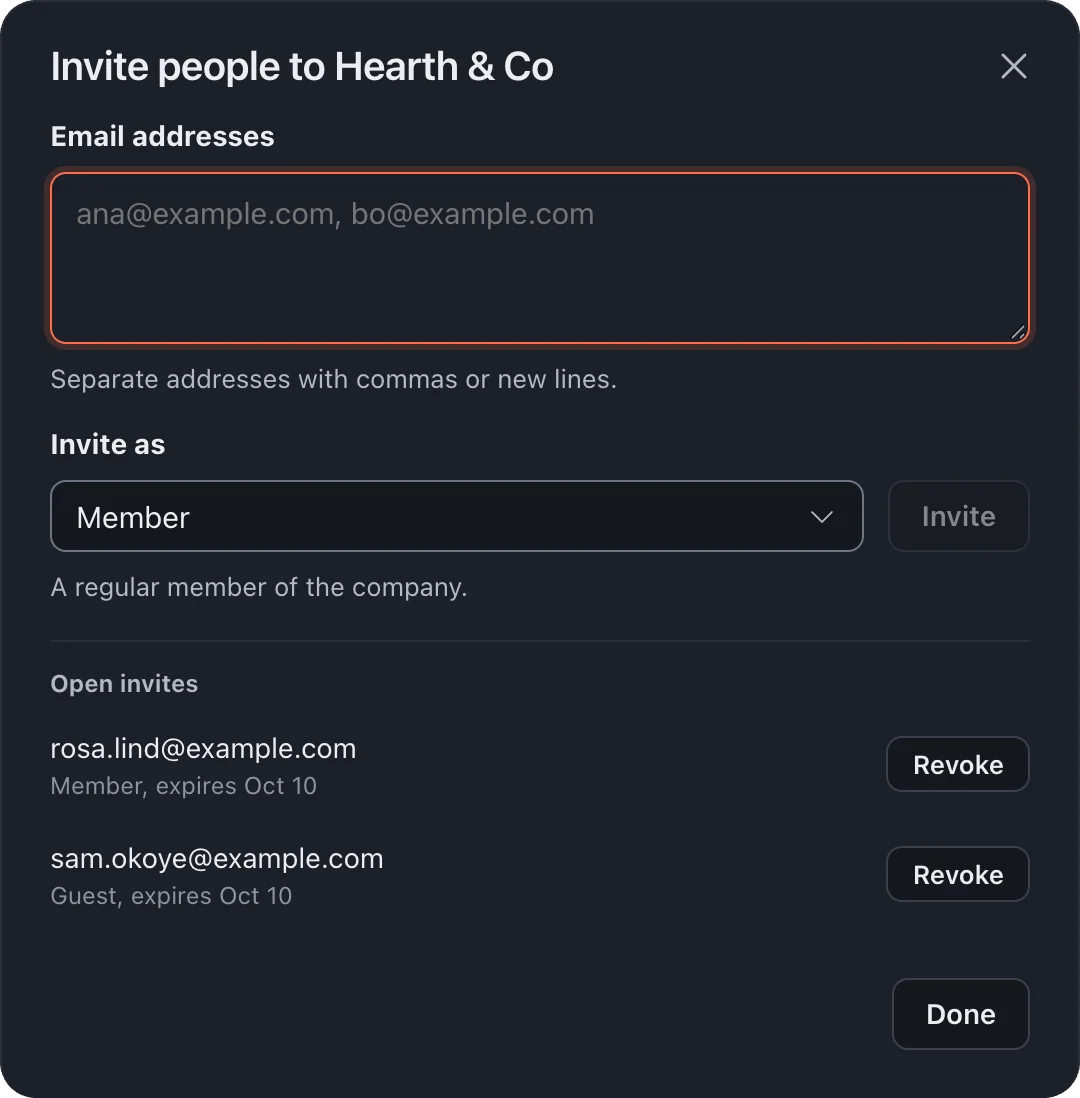
- Click your company's name at the top of the sidebar and choose Invite people.
- Enter one or more email addresses and choose Invite as: Member, Admin or Guest.
- Relaytic emails each person a personal link. It works once and expires after 7 days.
More in For admins
Still stuck?
Write to [email protected] and a person will help.