Help centerFiles
Upload and share files
Keep files in My files or in a channel, and share them with exactly the right people.
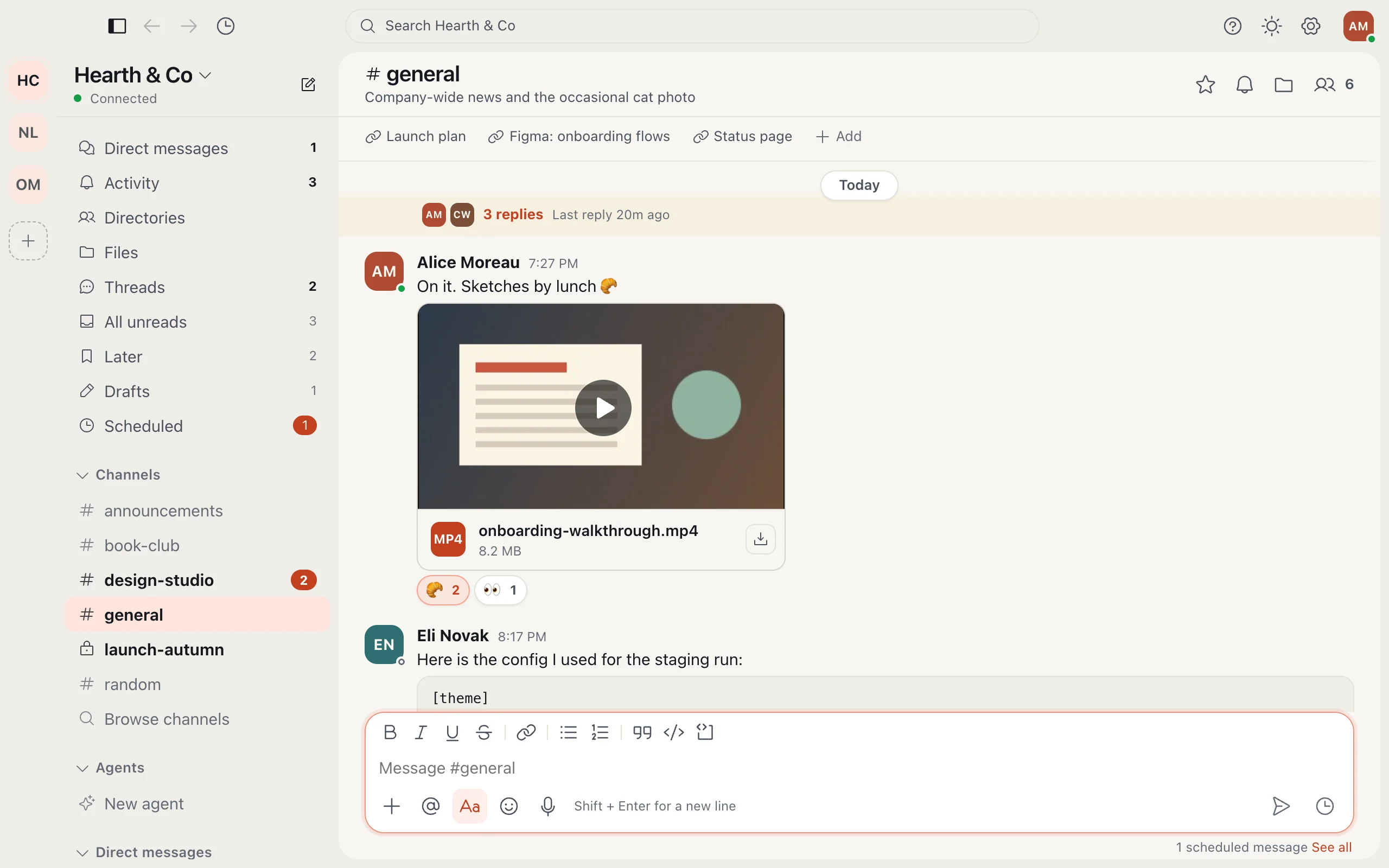
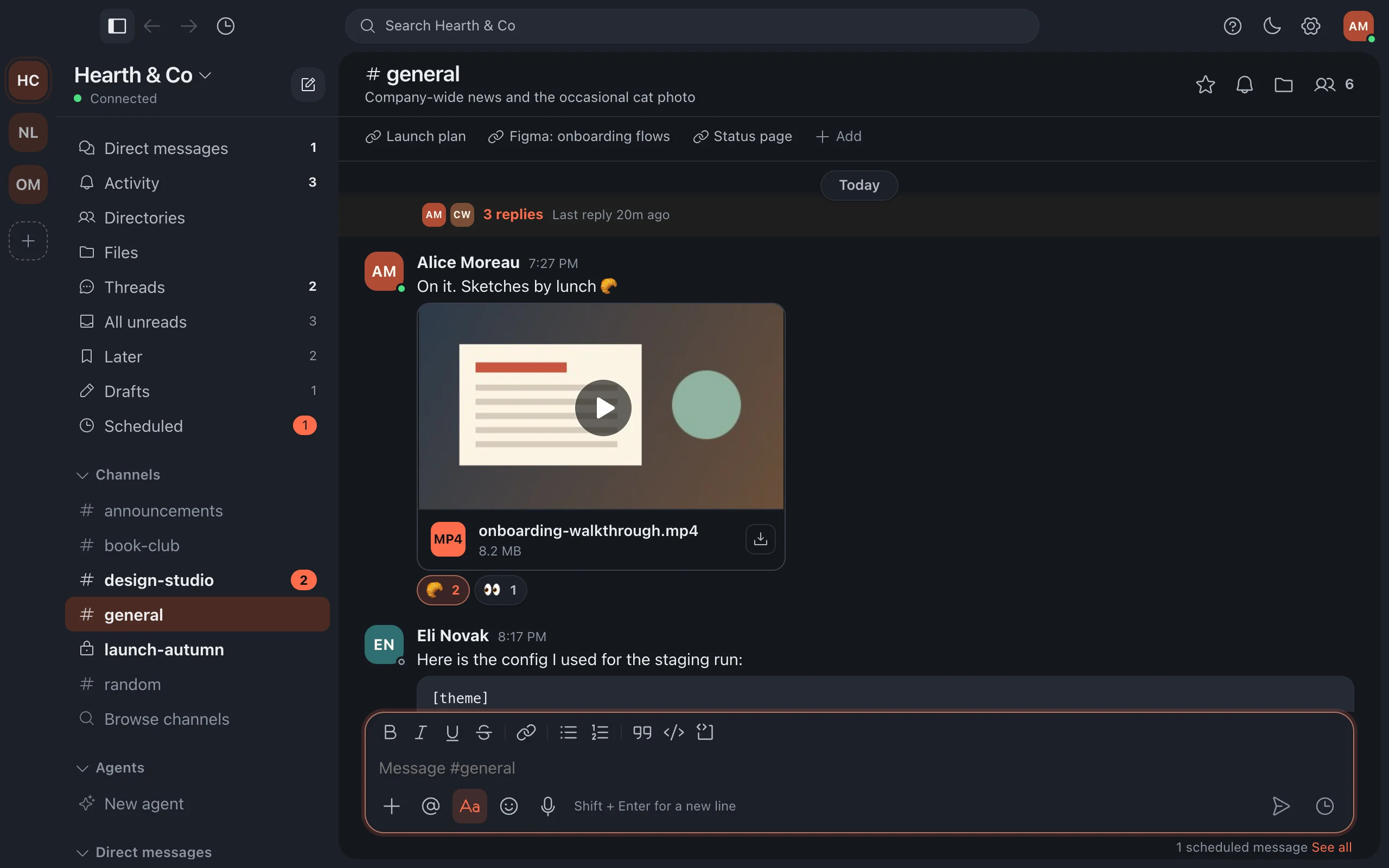
My files is your private space: upload, preview, rename and star files outside any channel. Every channel also keeps its own files together.
- Open the file's menu and choose Share.
- Add people or channels, and choose Viewer or Editor for each.
- Under General access, choose who else can open it: only the people added, everyone in your company, or anyone with the link.
More in Files
Still stuck?
Write to [email protected] and a person will help.