Help centerChannels and messages
Slash commands
Type / in the message box for quick actions: set a reminder, change your status, start a poll and more.
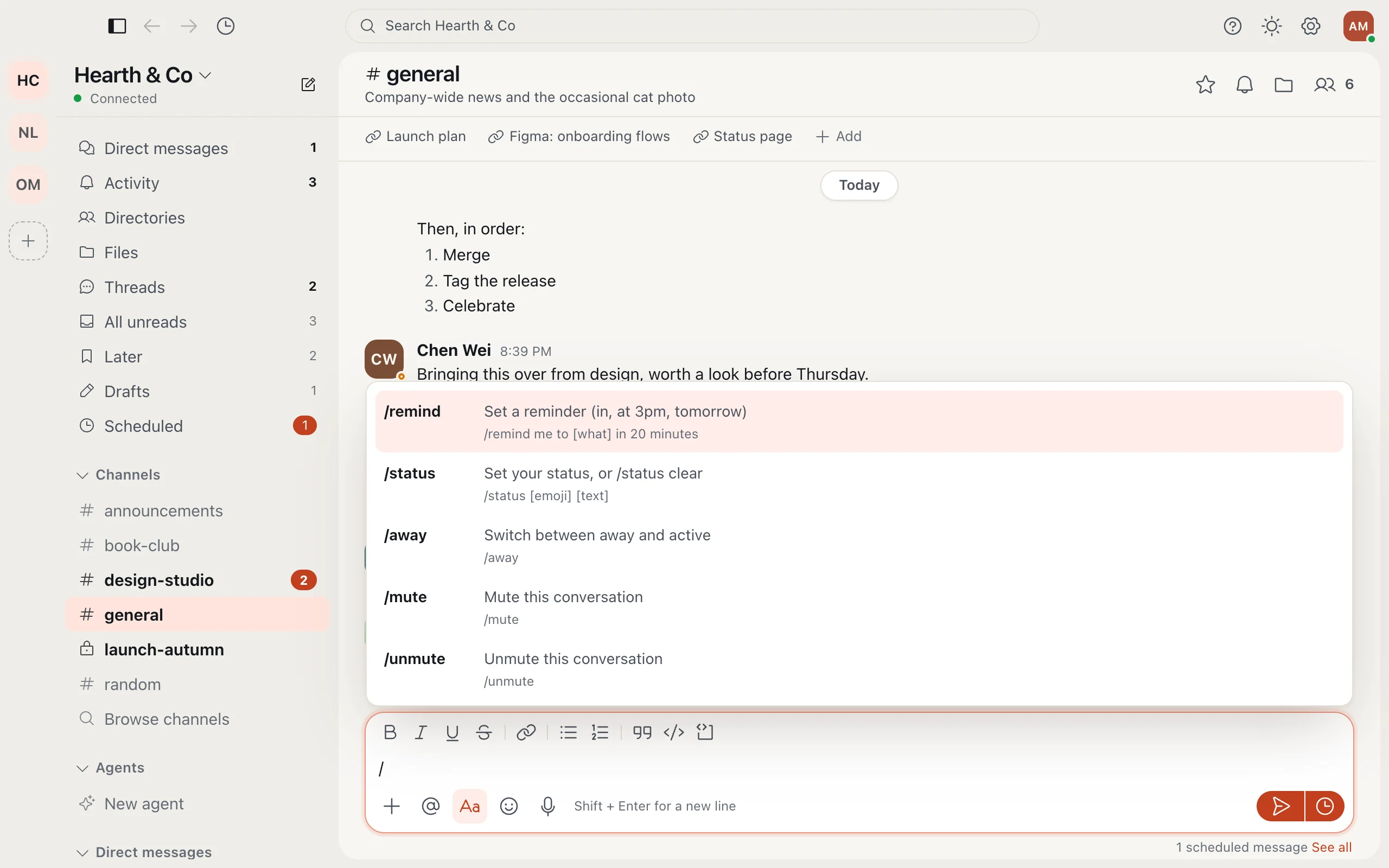
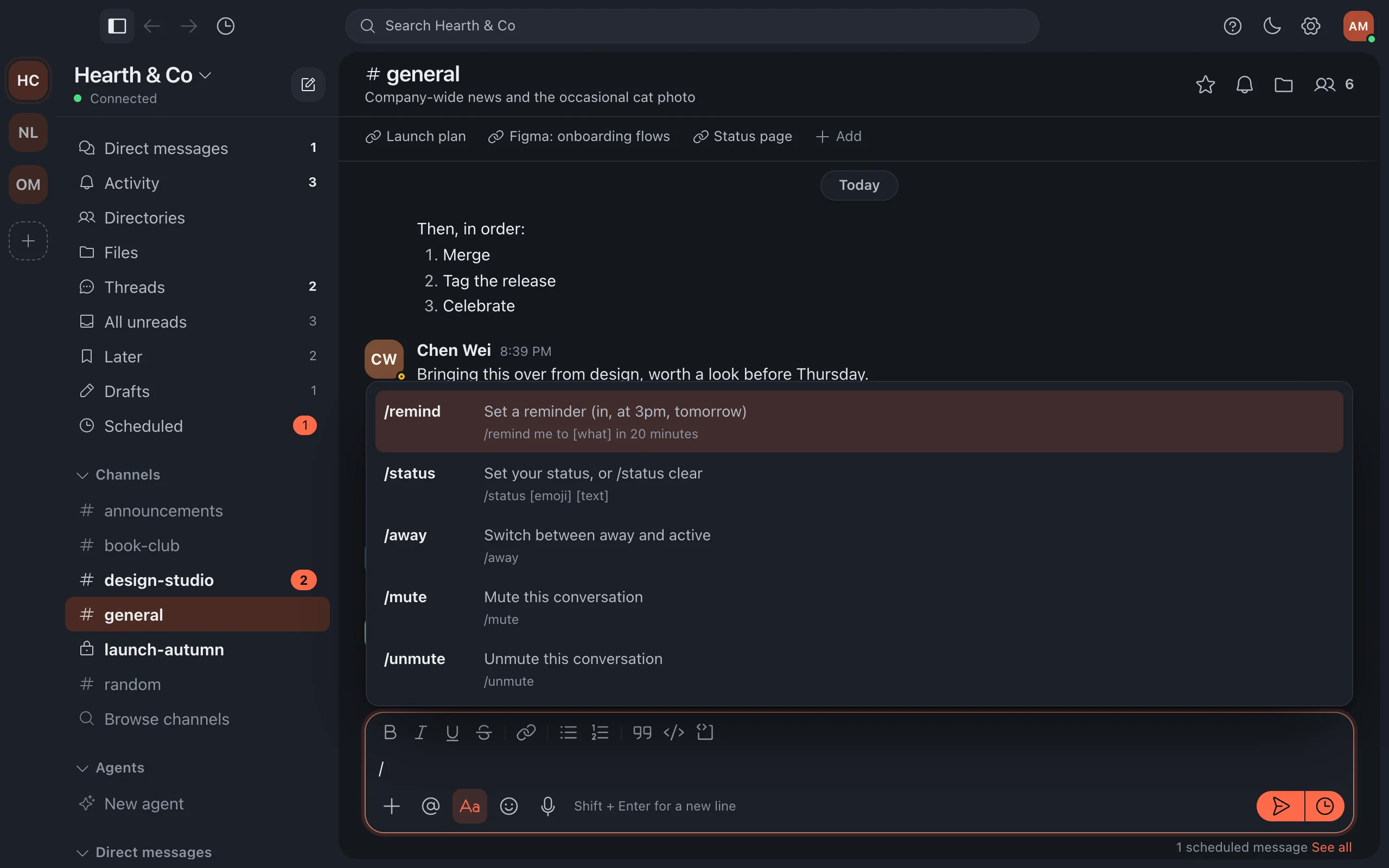
Type / at the start of the message box and a menu of commands appears. Each command does what its button does, just faster.
Slash commands are on the desktop app and the web, not in the phone apps.
More in Channels and messages
- Channels and threads Channels keep each topic in one place; threads keep the details out of everyone's way.
- Voice messages Say it instead of typing it: record a short voice message in any conversation or thread.
- Polls Ask a quick question and let everyone vote, right in the conversation.
- Emoji and custom emoji React and reply with emoji, including your company's own.
- Star conversations and mark messages unread Keep important conversations close, and come back to a message when you have time.
- Read state across devices Read something once and it is read everywhere: phone, computer and browser stay in step.
Still stuck?
Write to [email protected] and a person will help.