Help centerNotifications
Out of office and working hours
Let colleagues know when you are away, and keep notifications to the hours you work.
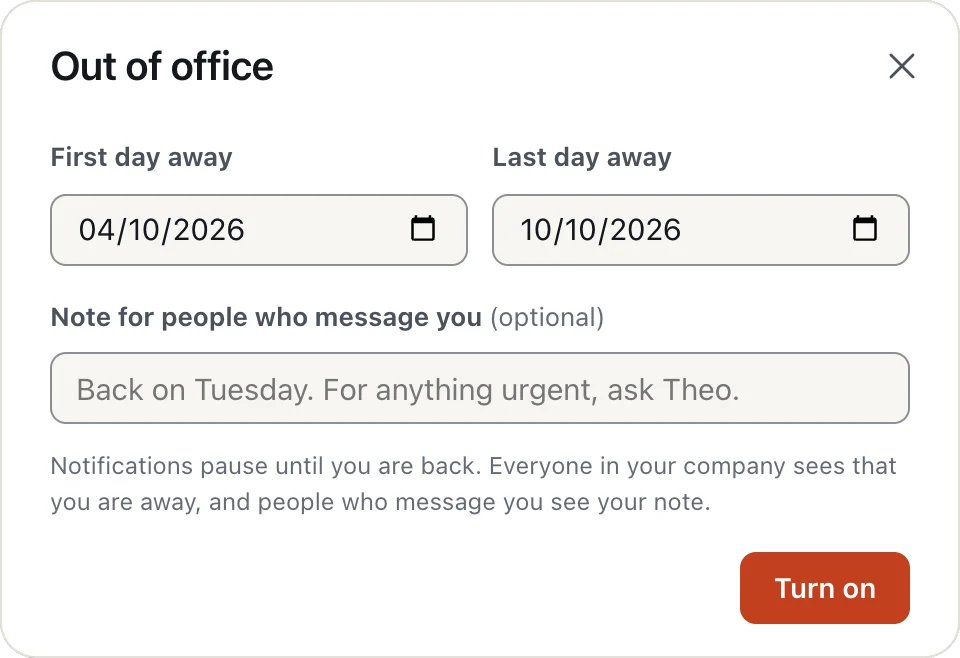
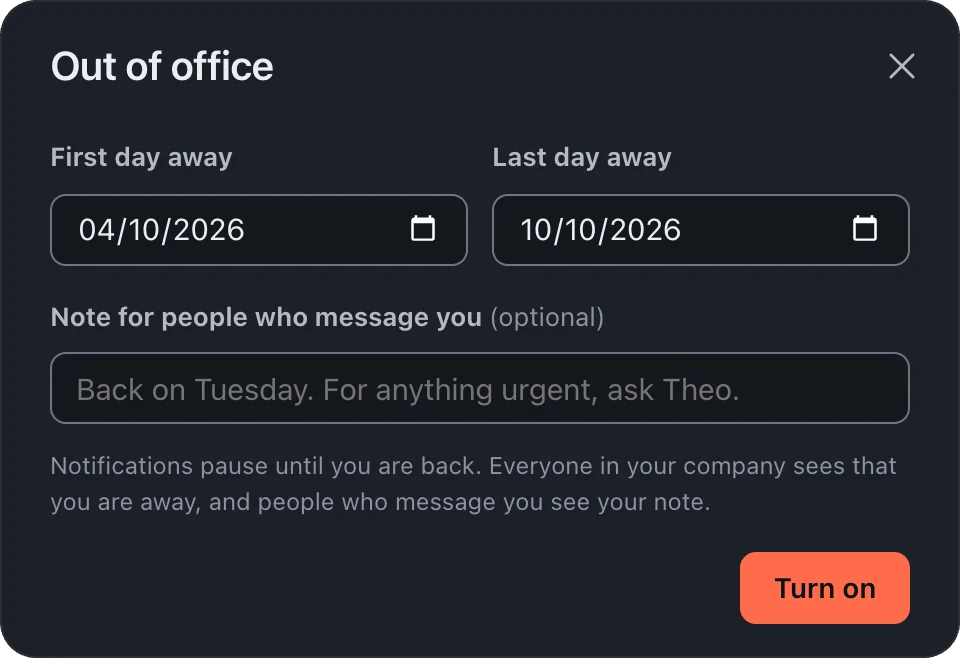
Click your picture and choose Out of office. Set your first and last day away and a short note. Everyone sees an Away until tag, people who message you see your note, and notifications pause until you are back. It ends by itself after your last day.
In Settings, Notifications, turn on Set working hours and pick your days and times. Outside them you get no notifications, and people who message you see that it is after hours for you.
Something truly urgent? When someone is away or outside their hours, Notify anyway on your newest message reaches them, if they allow it with Let people notify me anyway.
More in Notifications
Still stuck?
Write to [email protected] and a person will help.