Help centerChannels and messages
Star conversations and mark messages unread
Keep important conversations close, and come back to a message when you have time.
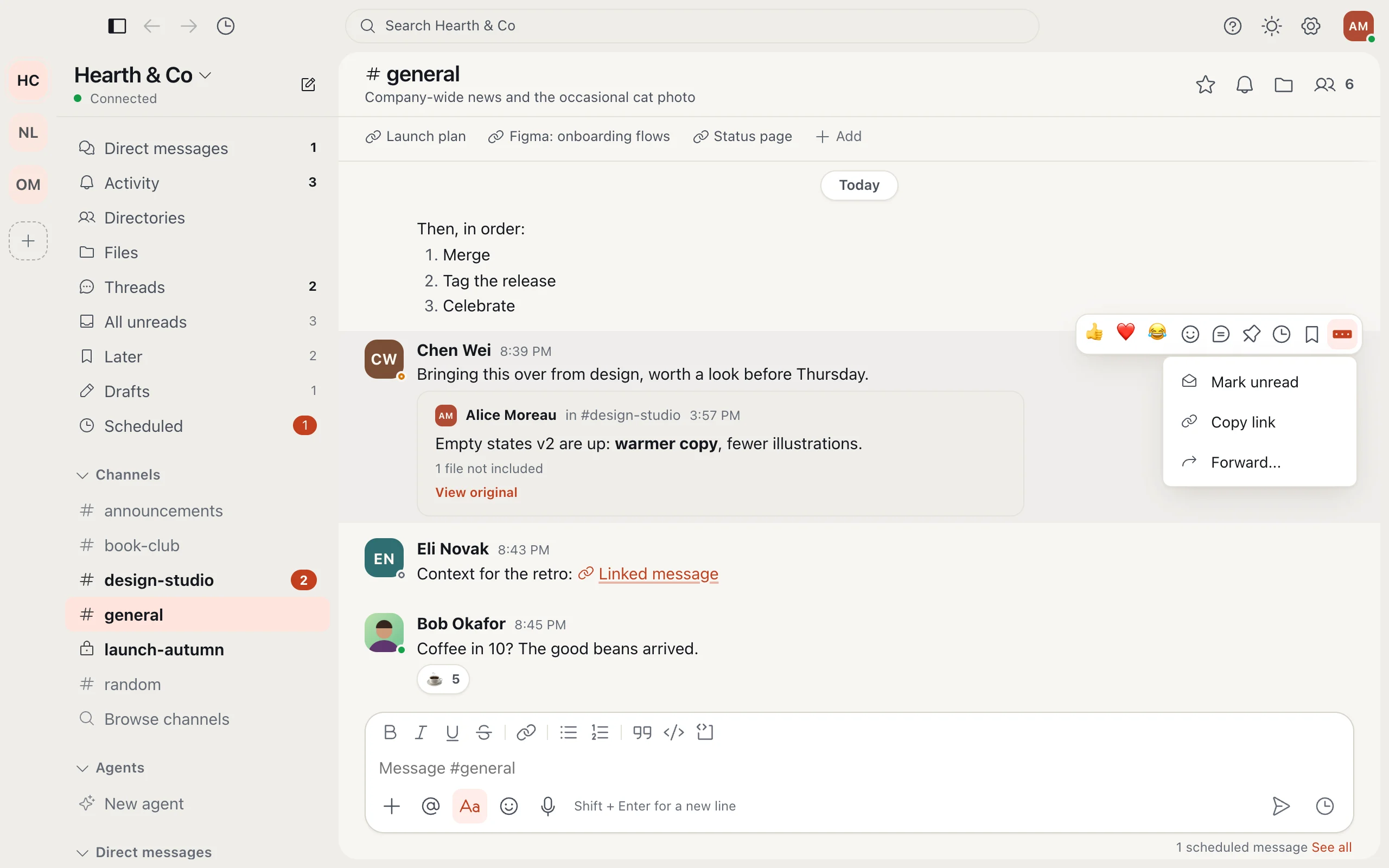
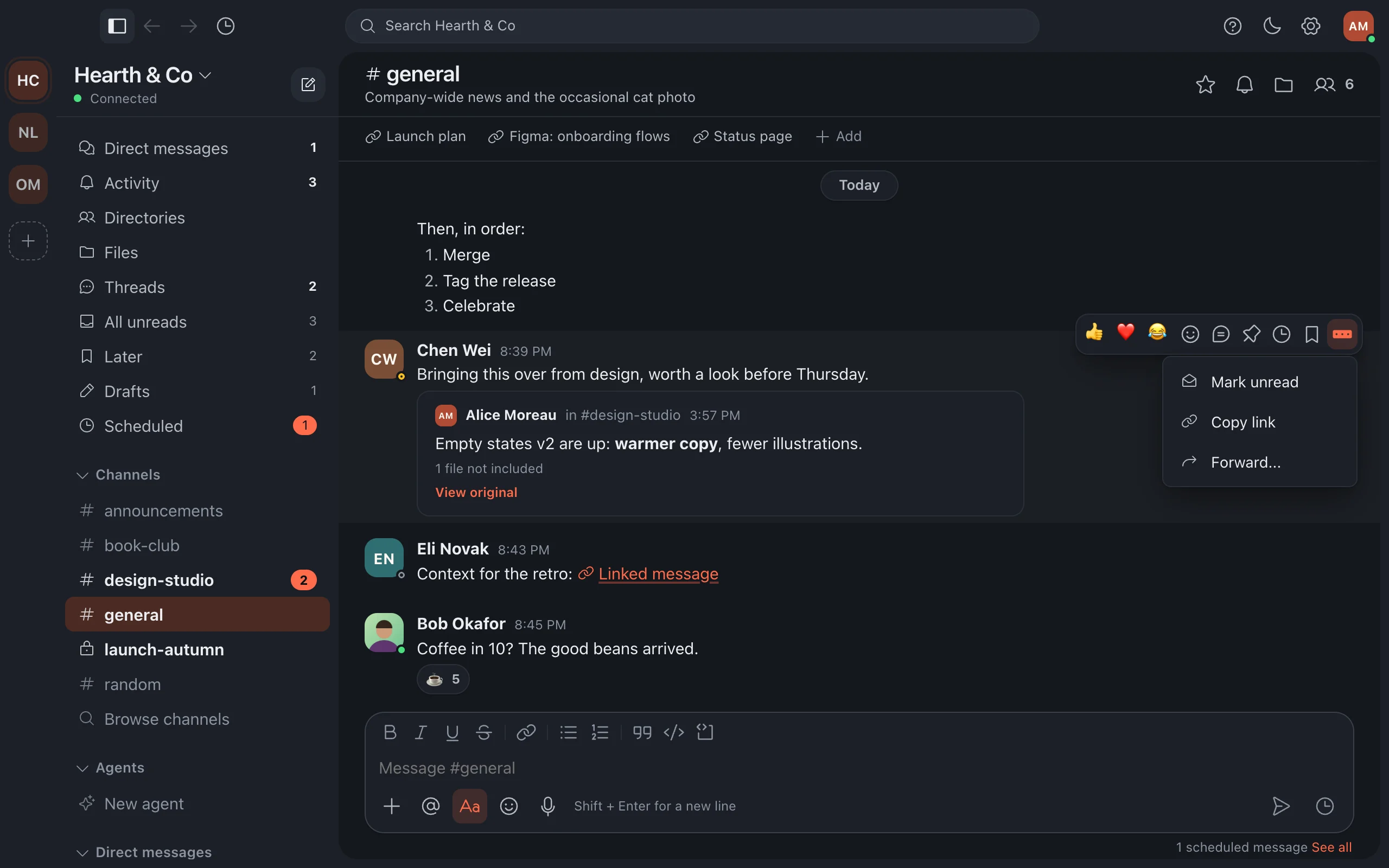
Choose the star in a conversation's header to add it to the Starred section at the top of your sidebar.
Mark a message unread when you cannot answer yet: hover over it, choose More actions, then Mark unread. It waits for you like a new message.
More in Channels and messages
- Channels and threads Channels keep each topic in one place; threads keep the details out of everyone's way.
- Voice messages Say it instead of typing it: record a short voice message in any conversation or thread.
- Polls Ask a quick question and let everyone vote, right in the conversation.
- Slash commands Type / in the message box for quick actions: set a reminder, change your status, start a poll and more.
- Emoji and custom emoji React and reply with emoji, including your company's own.
- Read state across devices Read something once and it is read everywhere: phone, computer and browser stay in step.
Still stuck?
Write to [email protected] and a person will help.