Help centerYour account
Two-step verification
Add a second step to sign-in with an authenticator app, and keep your recovery codes safe.
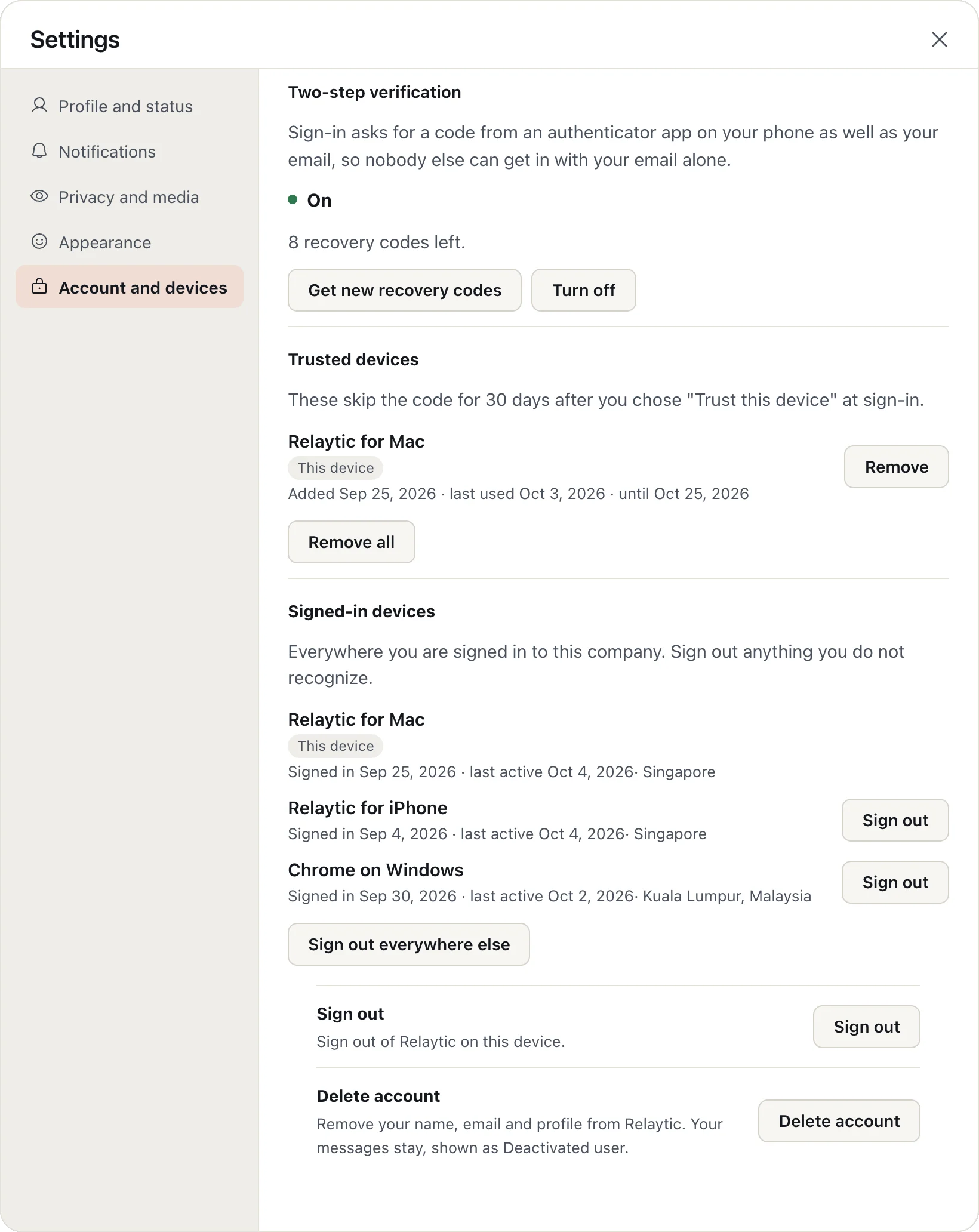
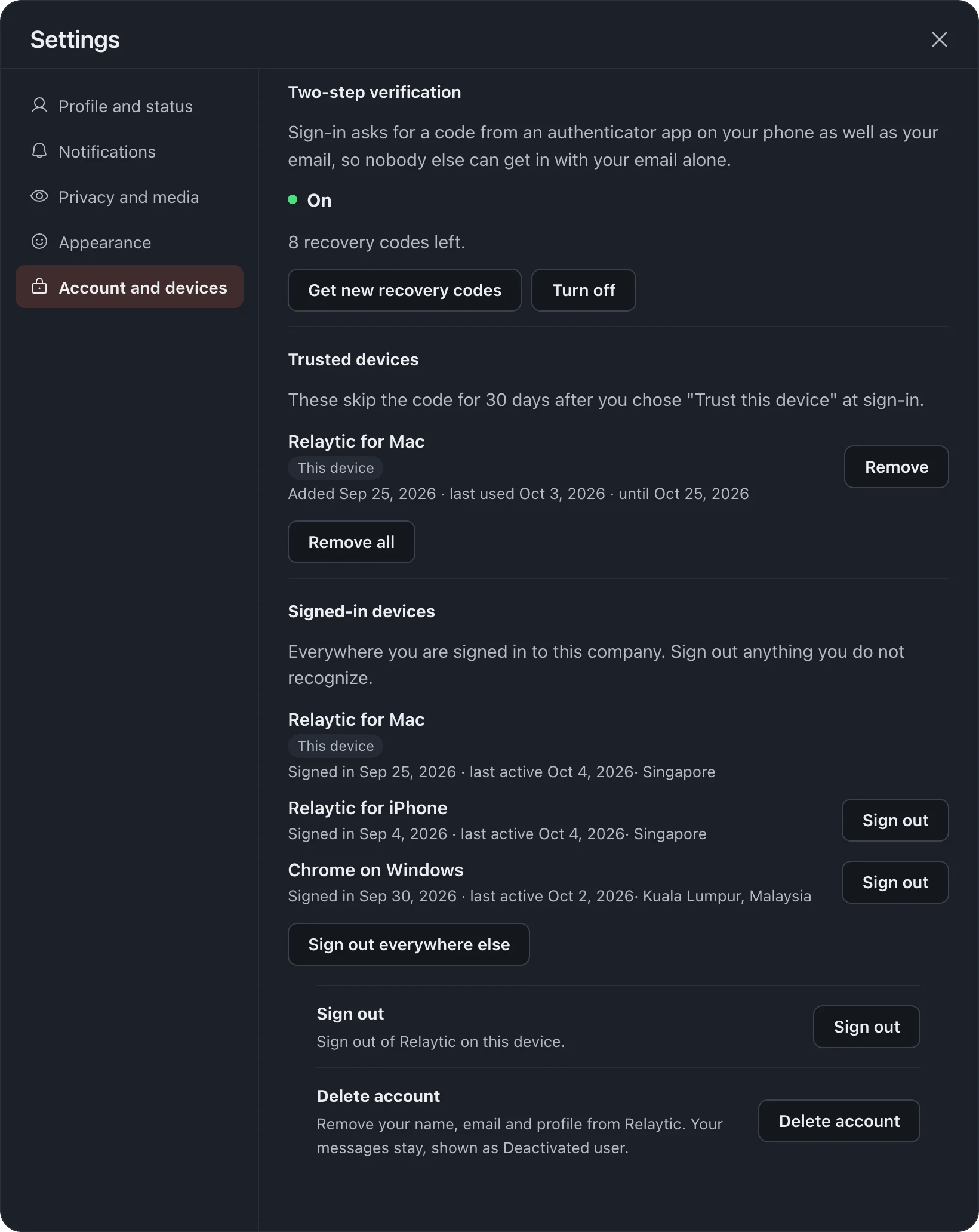
- Click your picture, choose Settings, then Account and devices.
- Under Two-step verification, choose Turn on.
- Scan the QR code with your authenticator app and confirm with a code from it.
- Save your recovery codes somewhere safe; each one works once.
At sign-in, choose Trust this device and it skips the code for 30 days.
Your company's owner can require two-step verification for everyone. If they do, you are asked to set it up when you next sign in.
More in Your account
Still stuck?
Write to [email protected] and a person will help.