Help centerGet started
Join your company
Join with an invite from an admin, or with your work email if your company is open to its domain.
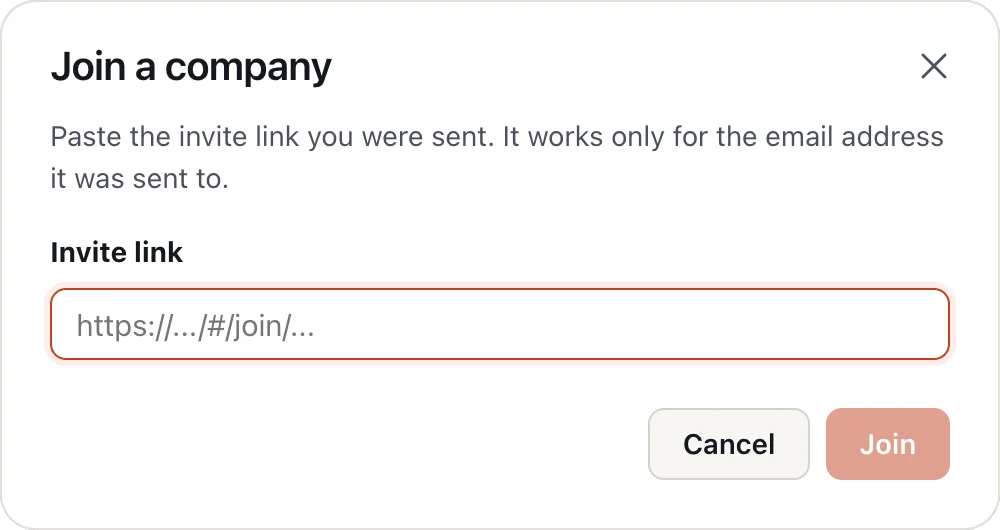
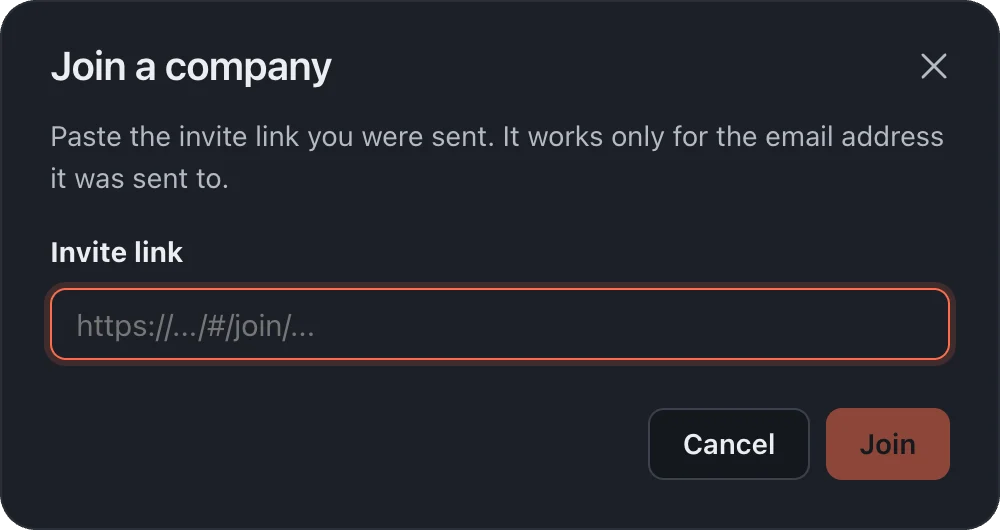
Most people join with an invite. Your admin sends you an email with a personal link. Open it and sign in with the address it was sent to.
Relaytic is invite-only for now. If there is nothing to join, ask someone at your company to invite you.
More in Get started
- Sign in with your email code Relaytic has no passwords. A six-digit code sent to your email signs you in, on any device.
- Set up your company For the person who brings Relaytic to their company: create it, invite your team and pick your first channels in a few minutes.
- Moving from Slack Bring your Slack channels, messages and files into Relaytic. You run the move on your own computer, and we guide you on a call. Direct messages stay in Slack.
- Your profile and display name Set the short name colleagues see in chat, and keep your full name on your profile.
- Get the apps Use Relaytic in your browser, on your Mac, your iPhone or your Android phone. You sign in the same way on each.
Still stuck?
Write to [email protected] and a person will help. More in Getting help.