Help centerYour account
Themes, light and dark
Pick one of nine themes, and choose light, dark or automatic.
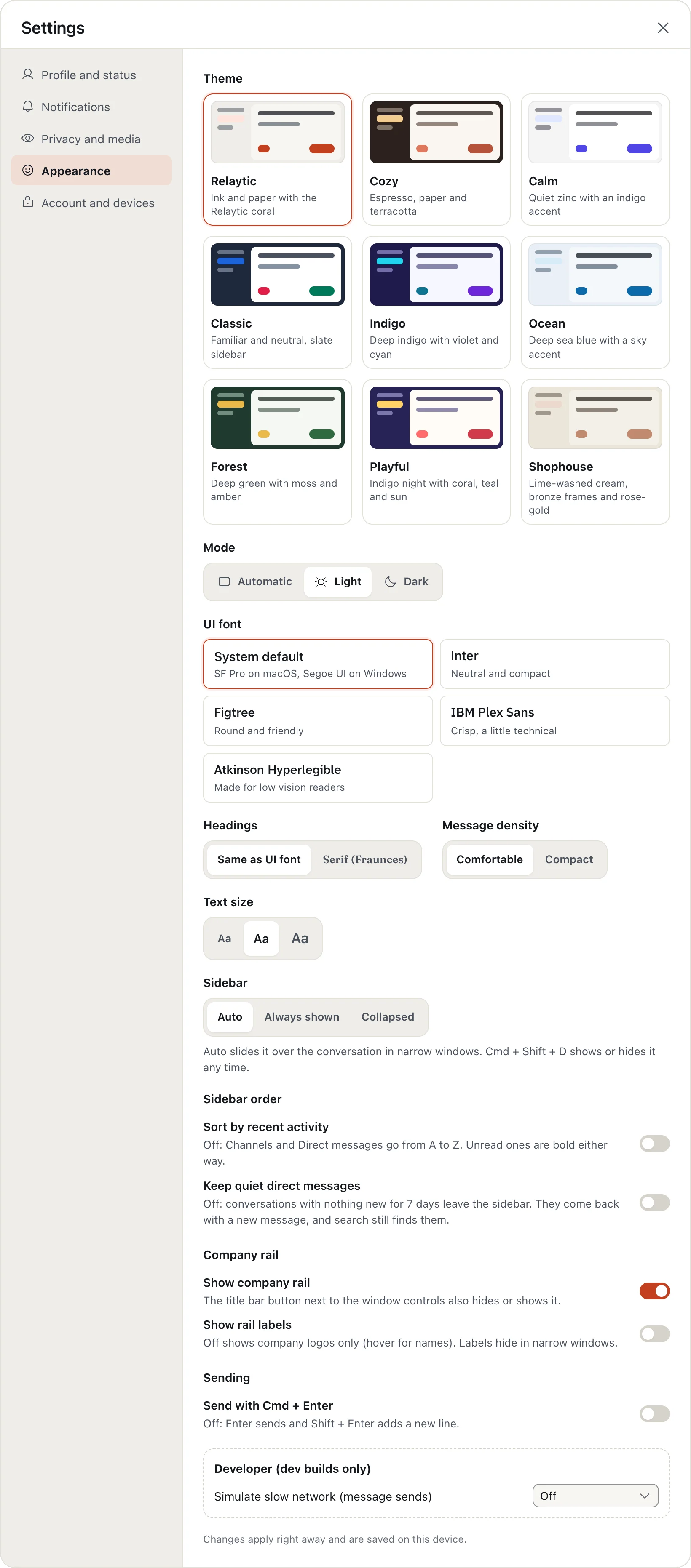
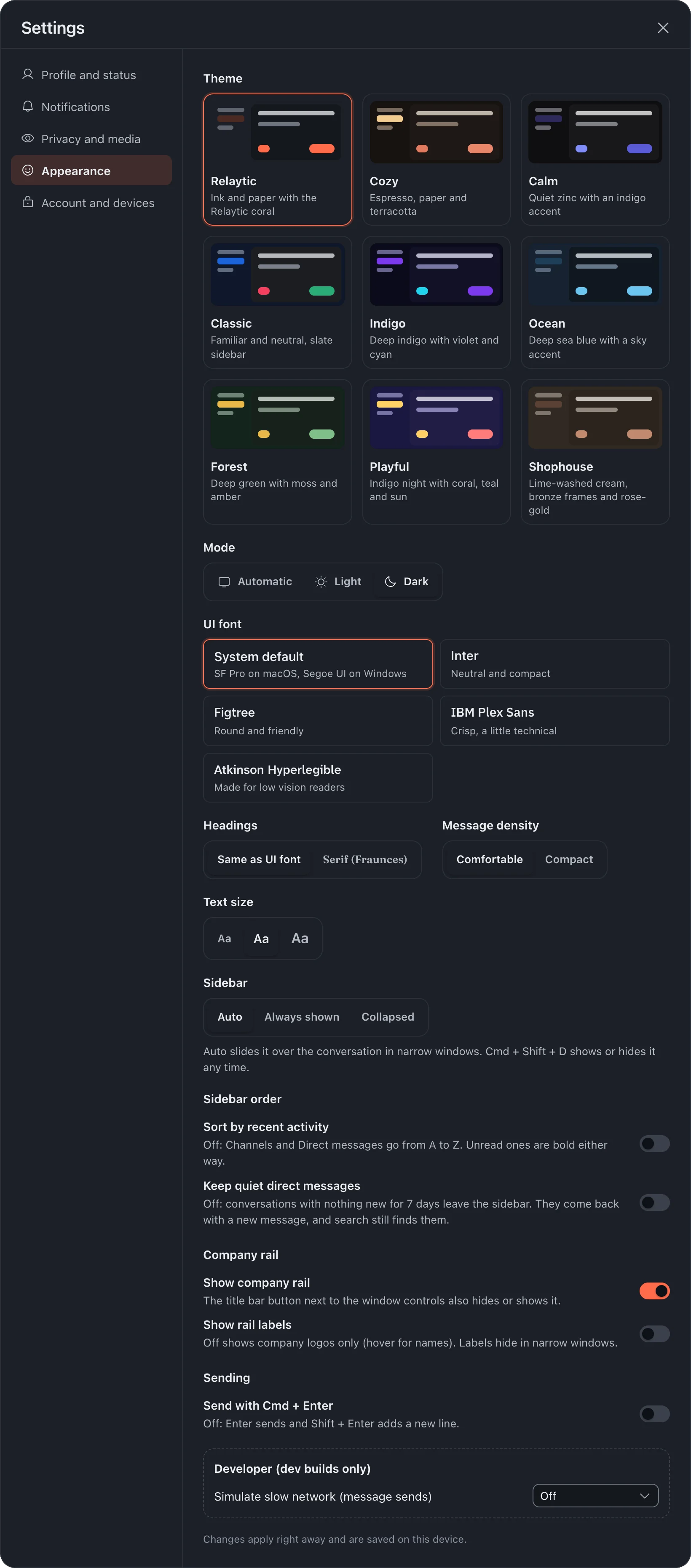
- Click your picture, choose Settings, then Appearance.
- Under Theme, pick one: Relaytic, Cozy, Calm, Classic, Indigo, Ocean, Forest, Playful or Shophouse.
- Under Mode, choose Automatic, Light or Dark.
Automatic follows your computer or phone's own setting.
More in Your account
Still stuck?
Write to [email protected] and a person will help.