Help centerSearch and activity
Search
Find anything your team said or shared, and ask the assistant when you want an answer instead of a list.
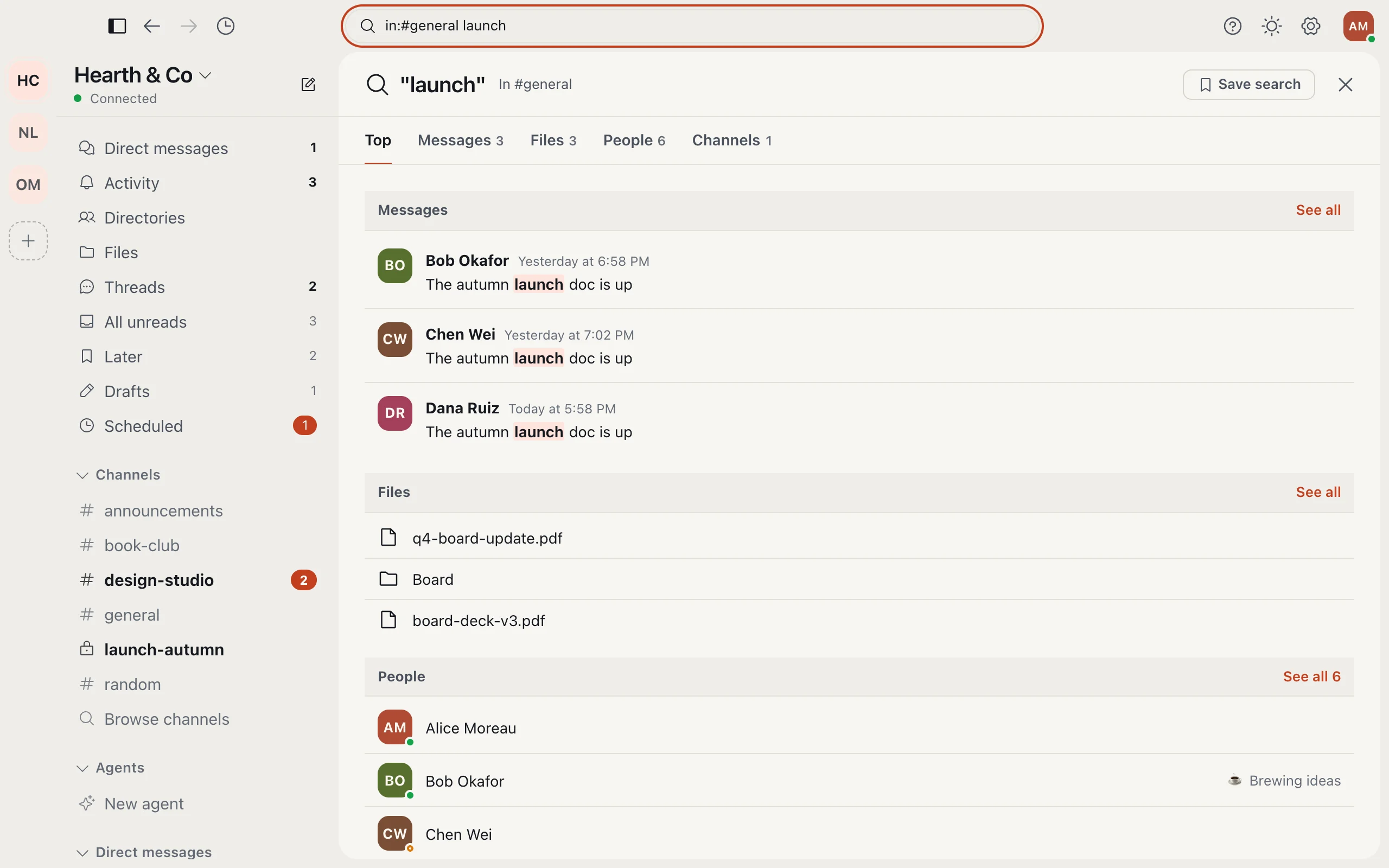
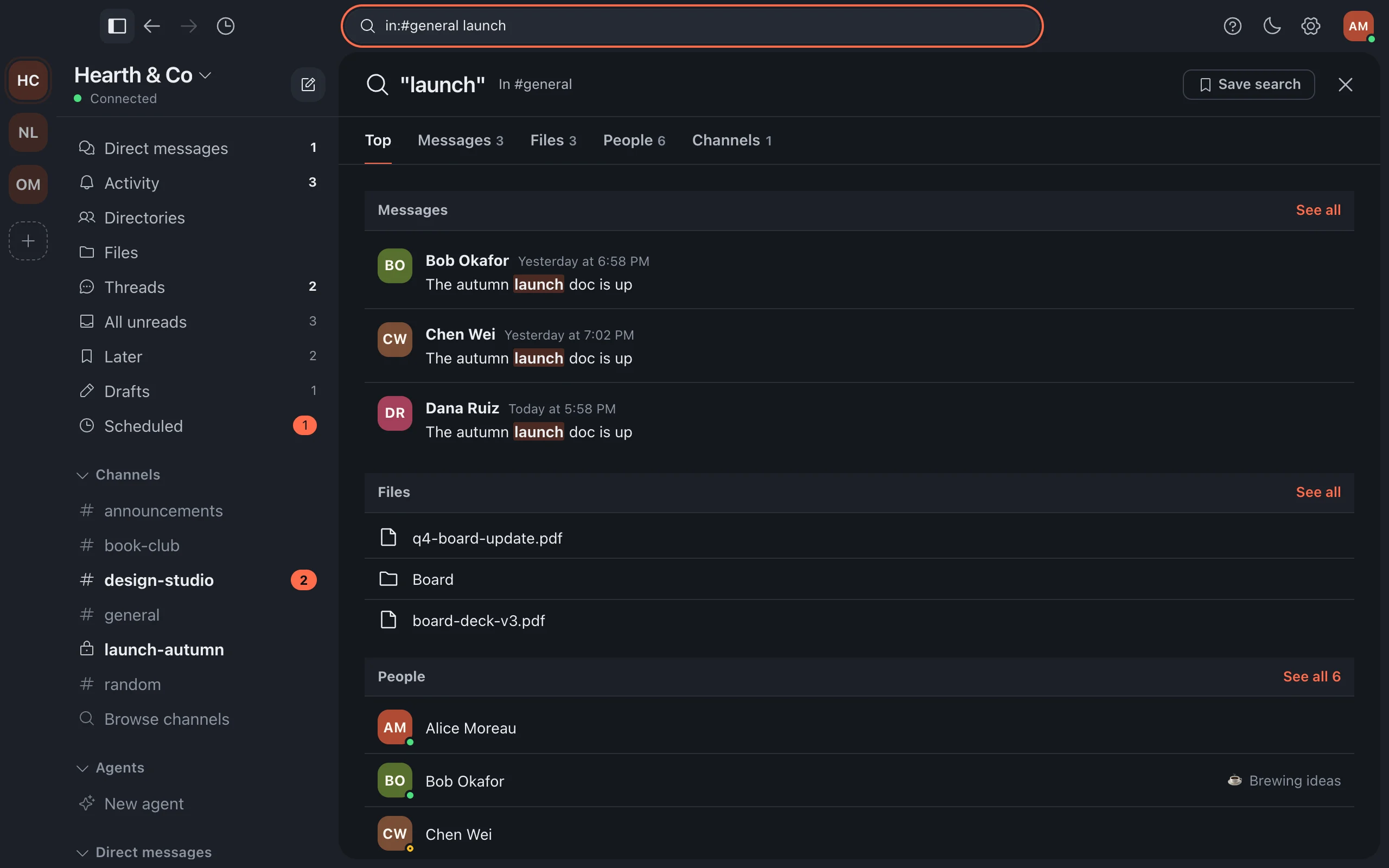
- Open search at the top of the window and type what you remember: a word, a name, a phrase.
- Switch between Top, Messages, Files, People and Channels.
- On Messages, sort by most relevant, newest or oldest. Open a result to jump to it.
Above the results, Ask Relaytic Assistant answers your question from what you can read, with the sources.
More in Search and activity
Still stuck?
Write to [email protected] and a person will help.