Help centerGet started
Sign in with your email code
Relaytic has no passwords. A six-digit code sent to your email signs you in, on any device.
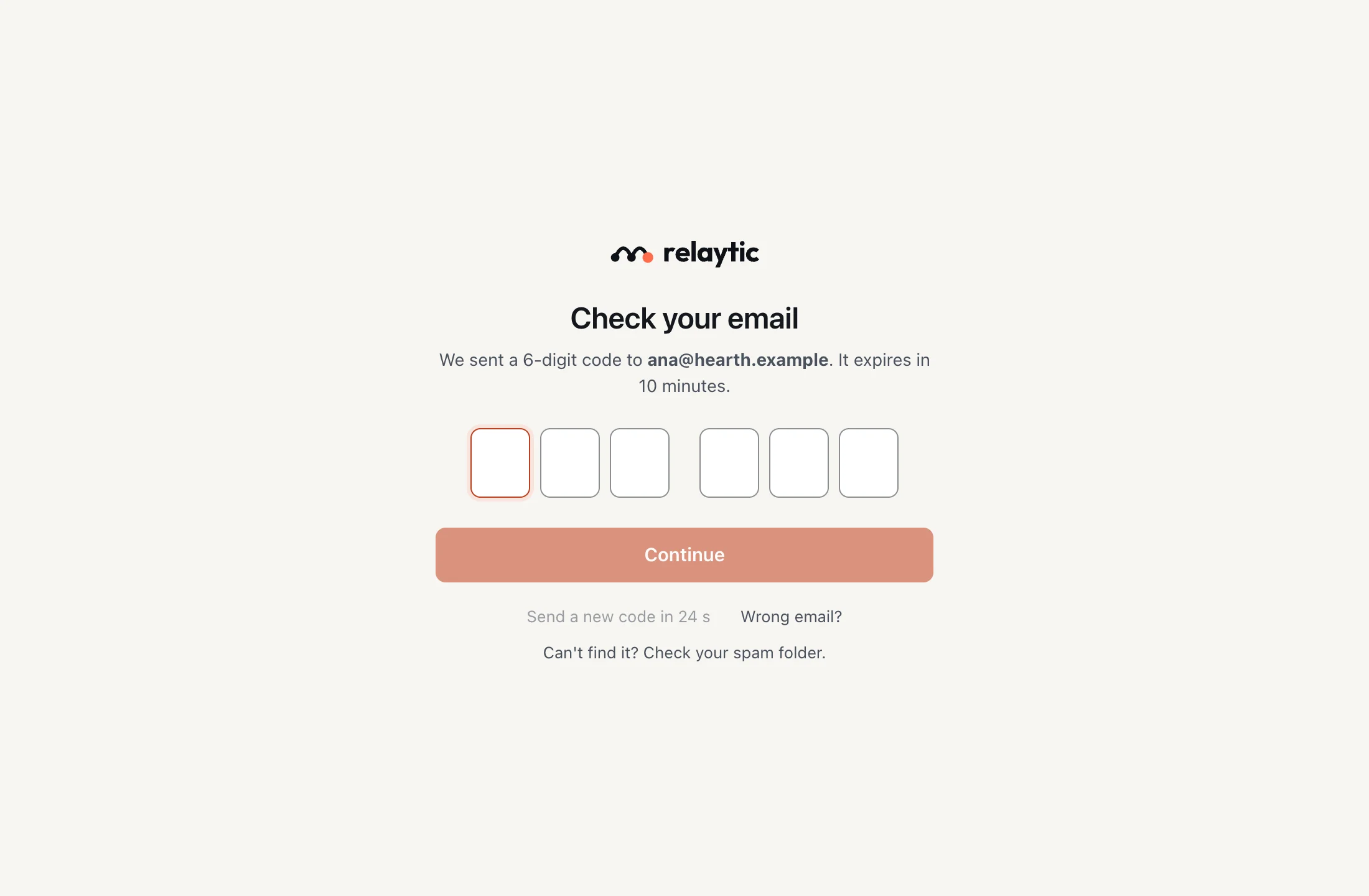
- Enter your work email on the sign-in screen.
- Open the email from Relaytic and find the six-digit code.
- Enter the code, and you are signed in.
A code works once and expires after 10 minutes. If it does not arrive, check your spam folder, or ask for a new one after 30 seconds.
If you have turned on two-step verification, Relaytic asks for a code from your authenticator app next.
More in Get started
- Join your company Join with an invite from an admin, or with your work email if your company is open to its domain.
- Your profile and display name Set the short name colleagues see in chat, and keep your full name on your profile.
- Get the apps Use Relaytic in your browser, or install the desktop app for your Mac.
Still stuck?
Write to [email protected] and a person will help.